PHOTO → MEASURED PRINT
Keep the image.
Keep the scale.
A drawing, a pattern, a paper template. Bring it from your camera back to paper at its original size.
A physical reference.
A perspective-corrected image.
A PDF with real dimensions.
Start with a well-framed photo
Place the calibration marker beside your drawing,
on the same flat surface. Keep both fully in view.
Camera access requires your permission. JPG & PNG recommended.
Reading your marker…
A LITTLE GEOMETRY. A LOT LESS GUESSWORK.
From your desk
to your printer.
- 01
Place the reference
Lay the marker beside a flat drawing, with their edges parallel. Keep the entire QR symbol and its white border visible.
- 02
Capture & straighten
The marker’s known square establishes scale and orientation. The server corrects perspective across that flat plane.
- 03
Crop & print at 100%
Select the drawing and export a PDF with physical page dimensions. Tile larger patterns onto ordinary paper.
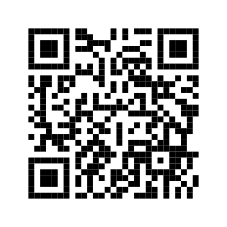 ← 80 mm tile →
ONE MARKER. TWO JOBS.
Your shortcut.
Your measuring reference.
Scan it to open this site. Include it in your photo to establish scale. The SF60 has a 60 mm QR symbol and an 80 mm tile with a generous white border.
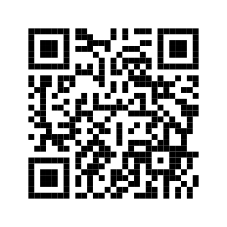
Print PDF at 100%, then check the 60 mm symbol with a ruler. For 3D printing: use a matte white base and black modules, with no scaling in the slicer. The kit includes separate base and module STLs plus an OpenSCAD source.
Accuracy & 3D-marker placement
No single marker size is best for every photo. This 80 mm tile is a practical starting point for page-sized drawings. Keep the symbol at least 200 pixels across in the photo when possible.
The paper marker is the most accurate starting point because it lies close to the drawing plane. The supplied 3D marker is 0.8 mm thick. Recess it or raise the drawing so its surface is level with the marker’s top. An elevated marker causes a scale error.
Perspective correction assumes one flat plane. It cannot flatten curled paper, recover hidden details, or reliably remove lens distortion from one QR code. Keep the camera close to perpendicular, use the main 1× camera, and check a known length. This is a practical reproduction tool, not a certified measuring instrument.